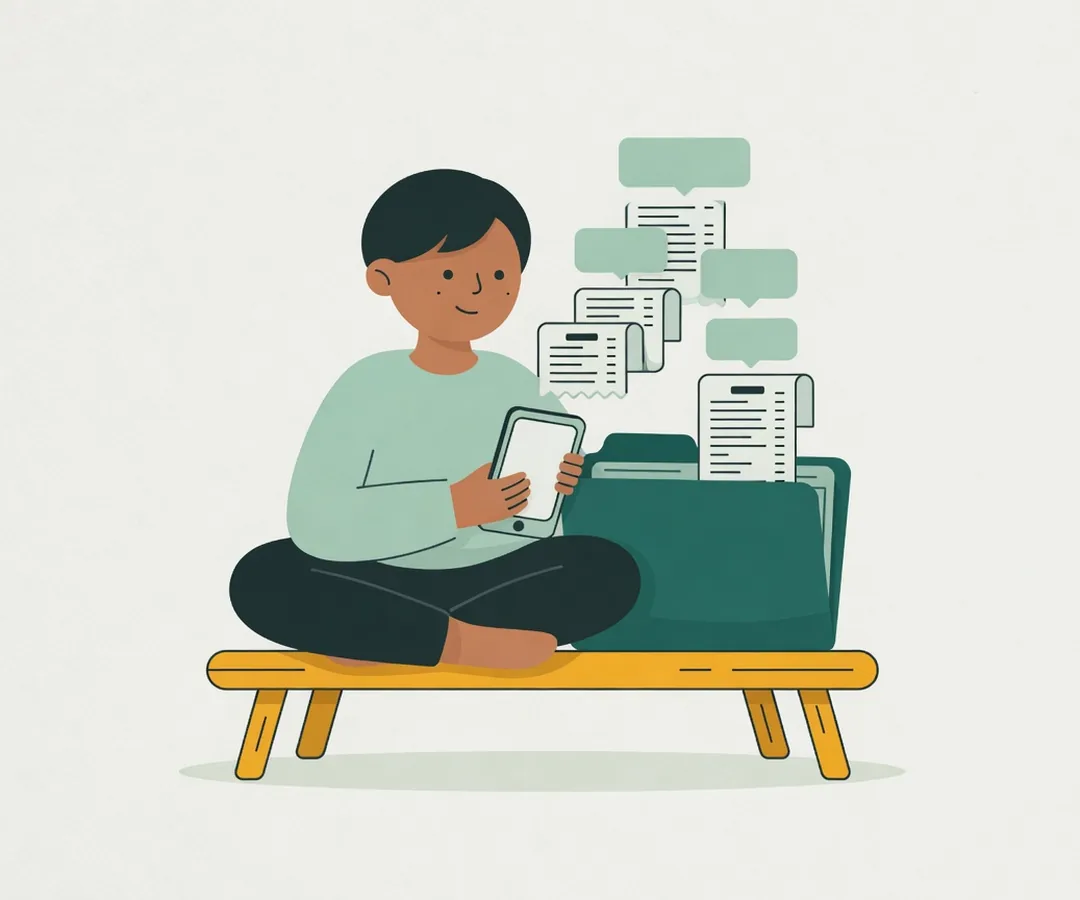
Moniora logs payments from your banking app notifications and your receipts, then shows how much you can safely spend today and still make it to payday.
Bank app notificationsDigital walletsCard paymentsPaper receiptsPayment screenshotsTyped like a chatBank app notificationsDigital walletsCard paymentsPaper receiptsPayment screenshotsTyped like a chat
Make your paycheck last, one number a day.
Moniora sets aside the bills due before payday, then spreads what is left across the days in between. You get a single daily spending limit, worked out again every morning. Monthly, every two weeks, weekly or daily pay all work. Try it here.
Safe to spend each day$157until payday
A spending tracker that does the typing.
Budgets usually fall apart because every purchase has to be typed in. Moniora takes over that part.
Logged from your payment notifications
When your bank or wallet app tells you about a payment, Moniora reads it and suggests the entry. Confirm it once, and every notification like it is logged on its own from then on. Moving money between your own accounts counts as a transfer, not spending.
Receipt scanner, item by item
Snap a receipt and the store, total, date and each item fill in. Soap bought with lunch can go under a different category. The photo is read on your phone and never uploaded.
Any pay schedule
Salaried, paid every two weeks, or earning daily as a driver or freelancer: your limit follows how you get paid.
Money lent and borrowed
Keep track of IOUs and send a polite reminder by text, WhatsApp or any app. You press send.
Subscriptions found for you
Recurring bills are spotted in your history and set aside before your daily limit is worked out.
Still tracking expenses in a notebook or a spreadsheet?
Each of these works, as long as you keep typing every purchase. Here is what changes when that part is taken off your hands.
Moniora compared with a notebook, a spreadsheet and manual budgeting apps
Feature
Moniora
Notebook
Excel or Google Sheets
Manual budgeting app
Logging a payment
Picked up from your payment notifications
Written by hand
Typed in row by row
A form for every purchase
Receipts
Photographed, every item filled in
Copied from paper
Typed from paper
Usually the total only
What you can spend today
Worked out every morning
Your own arithmetic
Formulas you build yourself
Often a monthly summary
Transfers between your accounts
Recognised, not counted as spending
Up to your memory
Separated by hand
Entered twice by hand
Bills and subscriptions
Found and set aside before payday
Up to your memory
A separate sheet
Set up by hand as reminders
Where your data lives
Encrypted on your phone, no internet access
On paper that can get lost
A file on a laptop or in the cloud
Depends on the app
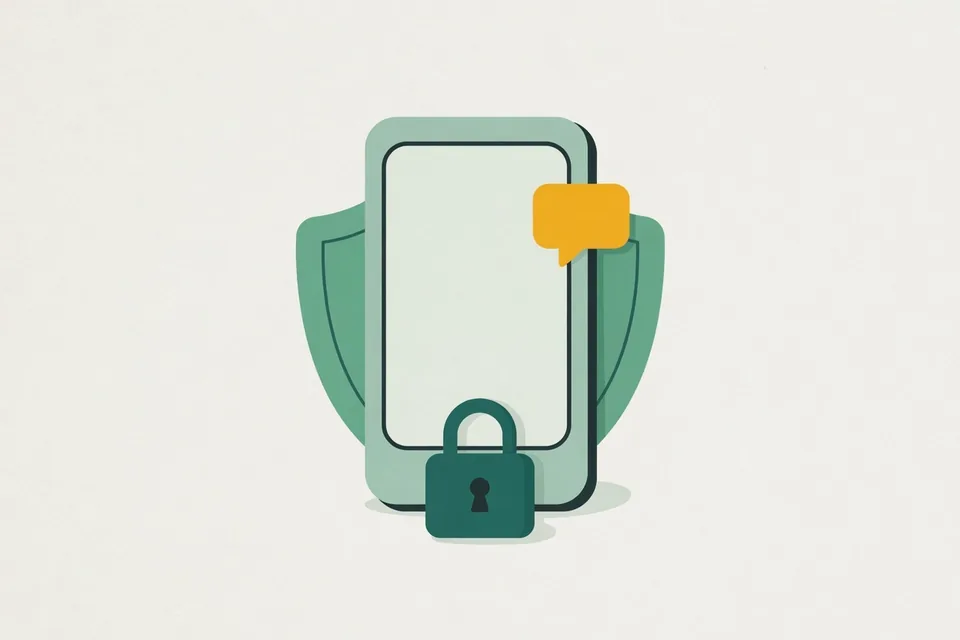
Your money data stays on your phone.
Moniora does not ask for internet access. Android itself stops the app from sending your balances, transactions or notifications to any server, ours included. No bank logins, no account to create.
Encrypted on the deviceThe key lives in Android's secure storage, with an optional fingerprint lock.
Learns on your phoneThe notification formats it learns from you stay on your phone too.
Backups you ownLocked with your own password, kept wherever you choose.
Set up in two minutes.
1
Enter today's balances
Check your banking and wallet apps and type each balance once.
2
Tell it when you get paid
A day of the month, every week, every two weeks, or daily.
3
Allow notifications
From then on, payments start appearing in Moniora as they happen.
Questions
Which banks and payment apps does it work with?
Any app that shows a notification when you pay or get paid. The first time a new kind of notification arrives, Moniora asks you to check it; after that it logs the same kind on its own. A few apps are recognised from day one, and receipts or payment screenshots work from any store or bank.
Does Moniora connect to my bank account?
No. It reads the notifications your phone already shows. It never asks for a bank login or password.
How is this different from a budgeting spreadsheet?
In a spreadsheet you type every purchase and build the formulas. Moniora fills in the entries from notifications and receipts and works out your daily limit. You can still export everything to Excel or Google Sheets at any time.
How do I stop living paycheck to paycheck?
Start by setting aside the bills that will arrive before your next payday, then divide what remains by the days left. Spending no more than that each day keeps you covered until payday. Moniora does this sum for you every morning.
Which languages and currencies are supported?
English and Indonesian, with US dollars and Indonesian rupiah today. More languages and currencies are on the way.
What happens when I change phones?
Make a backup on the old phone, move the file, and restore it on the new one. The backup is locked with your password.
Which phones are supported?
Android 8.0 or newer with Google Play services. An iPhone version is not available.
Get to payday with money left.
Moniora is in closed beta on Android. Send us an email to try it early.